 Memmy
Literature review
Start with a research question, screen papers, organize evidence, and draft a referenced review.
Give the Literature Review plugin a research question and date range. It searches for candidate papers, retrieves available full texts, organizes evidence, then drafts a review from an outline and builds the references. You can confirm the search terms, included papers, and section structure along the way. Use it to map progress in a field or compare studies' methods, findings, and limits.
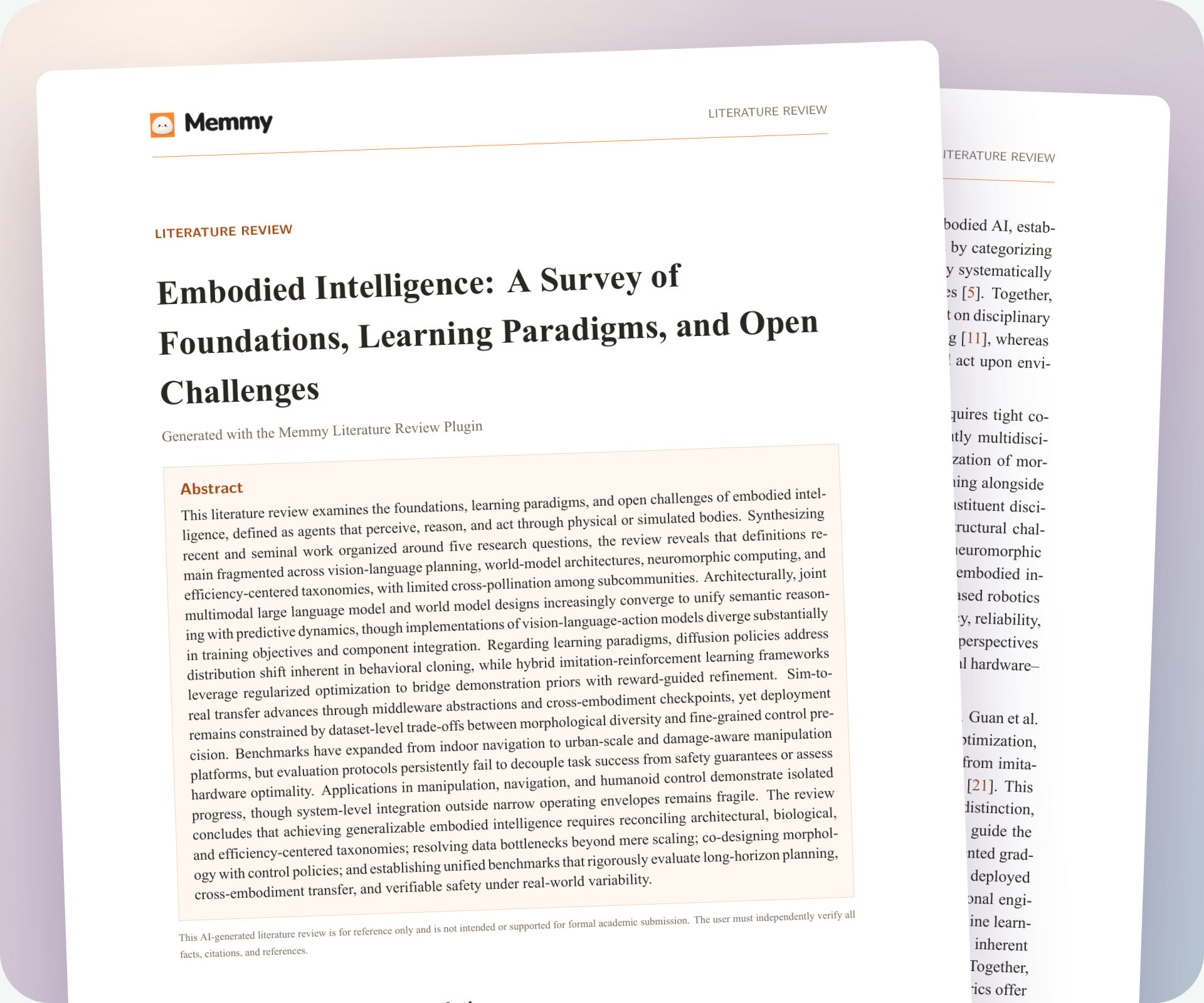
For example, when mapping research in embodied intelligence, you could compare how different studies define the field, approach learning, and frame open challenges. The result can serve as a draft for a team discussion. You can add papers you already have to the same task.
Start a review
- Literature Review requires you to sign in. Open Connections & Tools → Task plugins, find Literature Review, and sign in if you have not already.
- After installation, use it directly. State the research question, years, points of comparison, reader, and delivery format. Add any papers you want included.
What to confirm along the way
The plugin shows cards at key steps. Follow each card to confirm or adjust:
| Step | What to check |
|---|---|
| Review request | Topic, date range, emphasis, and delivery requirements |
| Search terms | Whether they cover alternate names without drifting from the question |
| Included papers | Which candidates will be used; exclude irrelevant papers or mismatched years |
| Outline | Whether the sections answer the research question |
| Full-text access | Add a file you have when a download fails, or continue with available sources |
Card titles and buttons depend on the installed version. Complete required confirmations in the card; a chat note does not automatically confirm it.
Check the result
Open the review and references, then check three things:
- Coverage: Do the included papers answer the question? Is a major line of research missing?
- Evidence and claims: Sample key findings and their citations. Make sure an abstract or candidate list is not presented as a finding verified against the full text.
- Citation details: Check authors, years, and citation placement. For missing full texts, incomplete metadata, or failed downloads, add the source or narrow the claim.
The plugin helps with searching and writing, but full-text access depends on each paper's availability. Treat the review as a draft and check important claims against the original papers before formal use.
Because the task is complex and uses many tokens, use a capable model you configure yourself. Whether the card appears and can be installed depends on the current catalog and your account.